
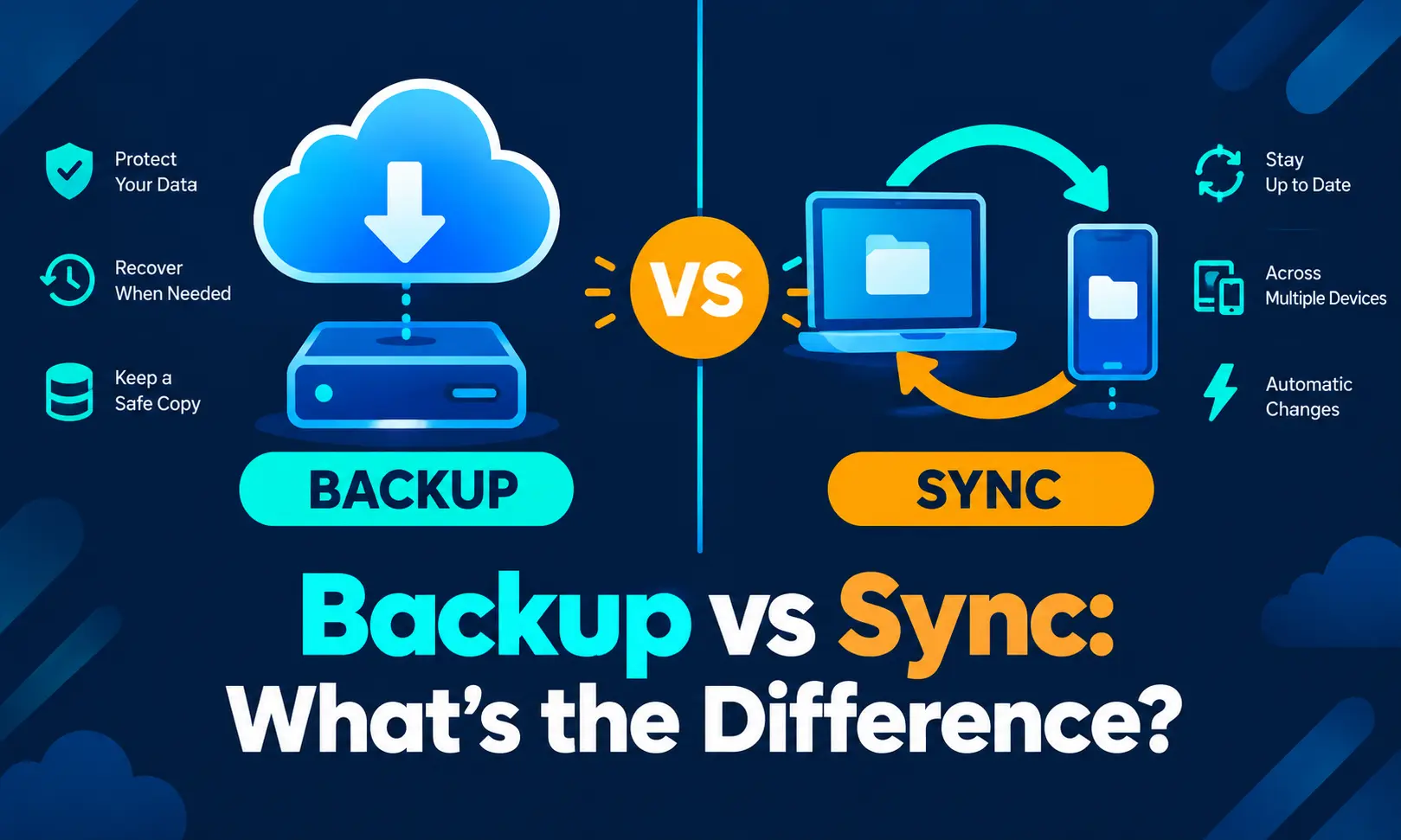
Cloud storage vendors and IT security firms are drawing a sharper line in 2026 between file sync and true backup, warning that businesses relying only on synced folders risk permanent data loss during ransomware attacks, accidental deletions, and device theft. The distinction centers on one core difference: sync keeps files identical across devices, while backup keeps a separate, historical copy set aside for recovery.
What Sync Actually Does
Cloud sync mirrors files between a device and the cloud in real time, and the process runs in two directions. A change made to a document on a computer updates automatically on a connected phone or tablet, and the reverse is true as well.
That mirroring effect is convenient, but it carries risk built into its design. Guides on the topic note that if a file is deleted on one device, that deletion can replicate everywhere the account is connected, and a corrupted version of a file can spread across every synced copy just as quickly.
Services such as Dropbox and Google Drive combine storage with sync, letting multiple users edit shared files from different devices while automatically keeping every copy in the same current state.
What Backup Actually Does
Backup works differently by design. It creates a copy of data that sits separate from the original, moving in one direction only, typically from a device to the cloud rather than syncing back and forth.
That separation is what allows recovery after something goes wrong. Backup services generally store multiple versions of a file over time, which lets a user roll back to an earlier state after a cyberattack, accidental deletion, or corruption, rather than being stuck with whatever the most recent synced version happens to be.
One industry breakdown published this year frames the distinction directly: storage and sync keep active files available for daily work, while backup exists to prove that a clean, recoverable copy of data still exists after deletion, corruption, ransomware, or operator error.
Where The Confusion Creates Real Losses
IT security guidance published this month describes a common scenario that illustrates the gap. A laptop is lost or stolen, and files sitting inside a synced folder are recoverable from the cloud, but any files saved outside that folder are gone along with the device, since sync only protects what it was actively mirroring.
A separate industry analysis makes the same point about ransomware specifically, noting that cloud storage is built around replication, so if a file is encrypted or altered by an attack, that changed version can become the new current state across every connected device rather than being isolated and rolled back automatically.
Where Version History Falls Short
Some cloud storage platforms offer basic version history as a partial safety net, and Microsoft OneDrive is cited as one of the more advanced examples, since it automates protection for Microsoft 365 files without requiring a manual upload step. Even so, that protection is generally limited to certain file types and does not extend backup-level guarantees across an entire system.
Analysts distinguish this kind of convenience-focused version history from governed backup, which relies on enforced retention policies, isolated storage separate from the live environment, and tested restore workflows rather than a short rollback window built into a sync tool.
Using Both Together
Guides addressing both tools consistently recommend running sync and backup side by side rather than choosing one over the other. Sync is positioned for accessibility and day-to-day collaboration, while backup is positioned as the safeguard that actually restores data once something is lost, corrupted, or encrypted by an attacker.
Analysts covering small and mid-sized businesses in particular stress that everyday productivity apps often create a false sense of security, since employees may assume a synced folder functions as a backup when it is not built for that purpose and offers no protection for files stored outside it.
Current Status
As of September 2026, industry guidance continues to separate cloud storage, cloud sync, and cloud backup into three distinct functions rather than treating them as interchangeable terms, with backup providers continuing to emphasize isolated, versioned recovery points as the feature sync and basic storage cannot replicate. Analysts covering the sector say the distinction is becoming more visible as ransomware incidents expose businesses that had assumed synced files were already backed up.