
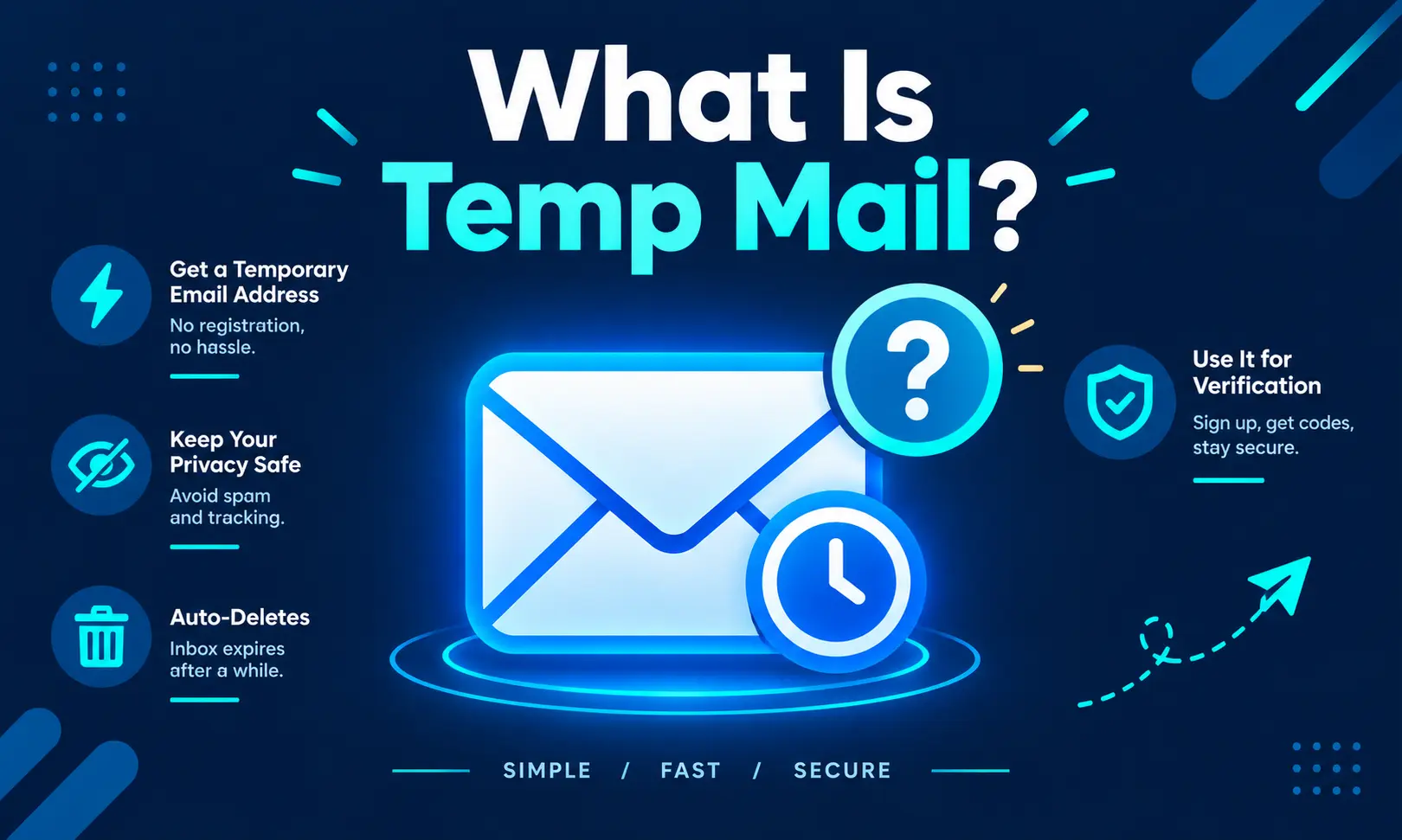
Temp mail is a free, receive-only email service that provides a working inbox almost immediately, without requiring registration, a password, or personal information. For anyone searching what is temp mail, the simplest explanation is that it is a short-lived email address designed to receive a specific message, such as a verification link or one-time code, before the inbox expires under the provider’s retention rules.
The service is also commonly called temporary email, disposable email, throwaway email, burner email, fake mail, or 10-minute email. Although the names vary, the basic idea remains the same: provide a temporary inbox for a short-term online task.
How Temp Mail Works
Traditional email providers such as Gmail or Outlook require users to create an account before they can receive messages. Temp mail services work differently by allowing an address to be generated without going through a traditional account-registration process.
When a user opens a temp mail website, the service can assign an available email address immediately. The user can then copy that address into a registration form, download page, newsletter form, or other service that requires an email address.
This explains how to use temp mail for short-term tasks. Generate an address, copy it, use it where an email address is requested, and monitor the temporary inbox for incoming messages.
What A Temp Mail Inbox Looks Like
Once a temporary email address has been generated, incoming messages normally appear inside the associated inbox. Depending on the service, the inbox may refresh automatically or require the user to reload the page.
The temporary session is intended for a specific task rather than long-term communication. There is generally no permanent account to manage, no traditional password to remember, and no long-term mailbox history.
This makes temp mail useful when a website requires an email address for a low-stakes registration but the user does not want that address added to their primary inbox.
How To Use Temp Mail
Learning how to use tempmail is generally straightforward:
- Open a reputable temporary email service.
- Generate or receive a temporary email address.
- Copy the address.
- Enter it into the website’s email field.
- Return to the temporary inbox.
- Open the verification message if one arrives.
- Complete the required verification process before the inbox expires.
The exact process can differ between providers because some offer additional features such as custom addresses, inbox retention, or temporary access tokens.
Can Temp Mail Be Set To Real Email?
A common question is “Can temp mail be set to real email?” In most cases, a standard disposable email address is not the same thing as a permanent email account.
A temporary address is created specifically for short-term use and normally remains under the control of the temporary email provider. Some services may offer forwarding, aliases, or longer-lived addresses, but those features are different from turning a disposable inbox into a conventional Gmail, Outlook, or other permanent mailbox.
If an account is important and may need password recovery months later, a permanent email address is generally more appropriate.
Can You Use Temp Mail To Make A Facebook ID?
Another common search is “how to make Facebook ID from temp mail address.” A temporary email address can sometimes be entered into an online registration form if the platform accepts that type of address and sends verification mail to it.
However, acceptance is controlled by the platform. Some websites and social networks block or restrict disposable email domains, so a temporary address may not work for every registration.
More importantly, if an account needs long-term password recovery, security alerts, or identity verification, relying on an inbox that can expire can result in losing access later.
For this reason, temp mail is better suited to short-term, low-stakes testing and registrations than accounts that users expect to keep for years.
How To Send Mail Using Temp Mail
People also search for “how to send mail using tempmail.” This is an important distinction because most conventional temp mail services are designed primarily for receiving email rather than sending it.
The typical temp mail workflow is:
Generate address → receive email → read verification message → use the inbox for the short-term task.
Many disposable email services do not provide a normal outgoing-mail function. Even when a provider offers additional email features, those capabilities should be checked on that specific service rather than assumed.
Therefore, temp mail should generally not be treated as a replacement for Gmail, Outlook, or another permanent email service when regular two-way communication is required.
Why Temp Mail Retention Times Differ
Not every temporary email address lasts for the same amount of time. Some providers remove messages after a short period of inactivity, while others specify a longer retention period.
Certain services also allow temporary addresses to be accessed again through a token or another identifier. This can make a difference when a user needs to return to an inbox later.
The expiration period is particularly important for account recovery. If a password-reset email arrives after the temporary inbox has already been deleted, the message may no longer be accessible.
Where Temp Mail Works Best
Temporary email is generally most useful for short-term activities where long-term access is not important.
Common examples include testing a website’s registration process, receiving a one-time verification message, checking a vendor’s pricing page, downloading a resource, or separating low-priority online registrations from a primary inbox.
The main benefit is reducing unwanted messages reaching a permanent email address.
Where Temp Mail Should Not Be Used
Temp mail is not a good fit for services that require long-term account access or reliable recovery.
Banking, financial services, investment platforms, healthcare portals, government accounts, important business accounts, invoices, and other sensitive services generally require a permanent email address.
If an email address is part of the account’s recovery process, losing access to the temporary inbox can make recovering the account considerably more difficult.
Is Temp Mail Legal?
Temp mail is a communication tool, and its legality generally depends on how it is used rather than simply on whether the address is temporary.
Using a disposable email address for an ordinary, permitted online activity is different from using one to commit fraud, impersonate someone, evade security controls, or violate a platform’s rules.
Individual websites can also decide whether to accept or block disposable email domains. Therefore, an address being technically valid does not guarantee that every website will accept it.
Current Status
As of September 2026, temp mail continues to follow the same basic model: instant temporary email generation, short-term message reception, and automatic expiration according to the provider’s retention policy.
For users searching what is temp mail or how to use temp mail, its main purpose is straightforward: provide a temporary inbox for receiving messages without exposing a primary email address to every low-priority website.
Temp mail can be useful for short-term and low-stakes tasks, but it should not replace a permanent email address when account recovery, long-term communication, or important personal information is involved.